







The complete, interactive checklist for small business owners who want a website that does more than exist. Work through this before you redesign, relaunch, or keep pouring money into a site that’s quietly losing you clients.
Here’s a conversation that happens constantly. Someone builds a website. Maybe they did it themselves on Squarespace, maybe they paid someone. It looks fine, has pages, and their logo on it. They share the link when people ask.
And then they wonder why the phone doesn’t ring.
The website isn’t broken. And yet, it’s also not working. There’s a difference. Unfortunately, most small business owners never close it because no one has shown them what “working” actually requires.
That’s what this is. Put simply, a practical, no-padding checklist of what a business website actually needs to convert visitors into clients, rank on Google, and hold up over time. Check items off as you go. Be honest with yourself about where the gaps are.
Does Your Website Have the Technical Foundation It Needs?
Why does website foundation matter for small businesses?
Before anything else matters, the technical foundation has to be solid. A fast, secure, reliable site is a prerequisite for SEO, credibility, and conversion. Google’s Core Web Vitals directly affect your search rankings. A slow or insecure site doesn’t just frustrate visitors, it gets deprioritized in results before those visitors ever find you.
What should you check first on a small business website?
Start with the basics: your domain, your SSL certificate, your page speed, and your backup system. If you’re not sure whether your site has these covered, your web developer or hosting provider can tell you in about five minutes. If you don’t have a developer relationship, that’s something we can help with.
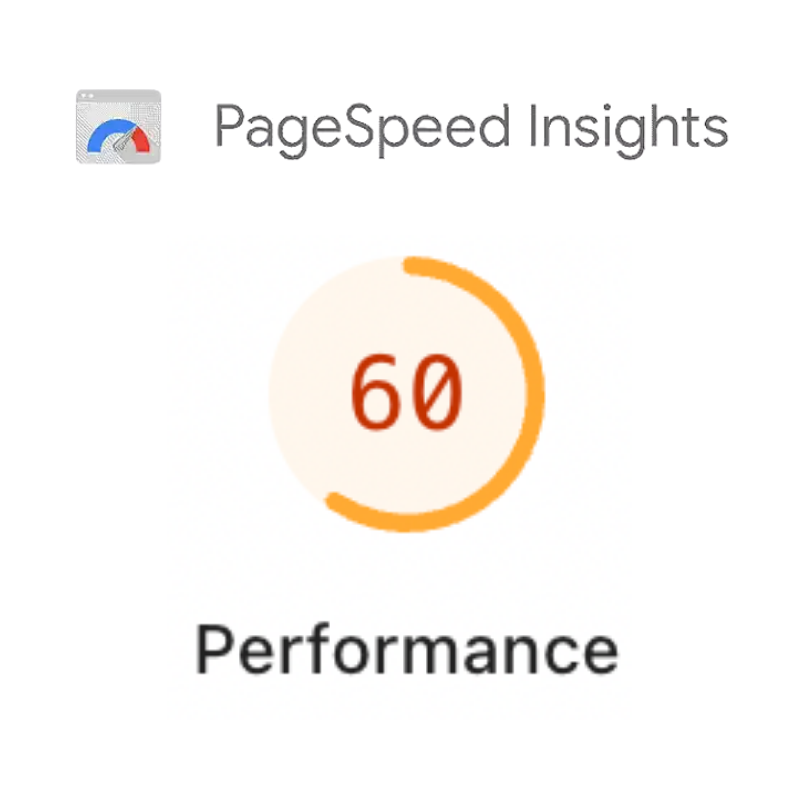
💡 Quick test: Type your website URL into Google PageSpeed Insights right now. If your mobile score is under 70, that’s the first thing to fix. Page speed is a direct ranking factor.
⭐ Foundation Checklist
Can Visitors Actually Find What They Need on Your Site?
What makes website navigation work for small business visitors?
Confused visitors leave. It’s not personal. Instead, it’s simply what happens when someone can’t immediately understand where they are, what you do, or what they should do next. Good website structure removes friction at every decision point.
How do you know if your site structure is costing you clients?
The test: can a stranger land on any page of your site and answer these three questions within 10 seconds? “What does this business do? Who is it for? What do I do if I’m interested?” If not, something in the structure needs work. For a deeper breakdown of how structure affects conversion, see our guide to optimizing your homepage for maximum conversions.

🗂️ Structure & Navigation Checklist
Is Your Website Content Written for Your Clients or for Yourself?
Why do most small business websites fail to convert visitors?
Most small business websites are written for the business owner, not the client. Too often, they lead with the company history, use industry jargon, and describe services in terms of what they include rather than what they solve. This is backwards.
How should you write website copy that actually converts?
Good website copy starts with the client’s problem. It uses their language (not yours), addresses their hesitations before they have to voice them, and makes the path to saying yes feel obvious and low-risk. If you’re rethinking your copy from scratch, our post on audience research covers exactly how to uncover the language your clients actually use, before you write a single word.

8 sec
Average time before a visitor decides to stay or leave
55%
Of visitors spend fewer than 15 seconds on a page
2x
Higher conversion rate when addressing objections early
✍️ Content Checklist
Does Your Website Build Trust, or Just Request It?
What trust signals do small business websites actually need?
Asking someone to trust you without giving them reasons to is just marketing noise. Real trust comes from evidence: proof that other people took the same risk and it worked out. The more specific and credible that evidence, the better.
Why do generic testimonials fail to convert visitors?
Generic testimonials (“Great service! 5 stars!”) do almost nothing. Specific ones that name a real outcome move the needle. The same principle applies to everything in this section. For more on building a site that earns trust ethically, see our post on whether your website is ethically broken.
⚠️ Common mistake: Displaying testimonials without names, photos, or context. Anonymous praise reads as invented. If you’re going to use social proof, make it verifiable.
🤝 Trust-Building Checklist

Is Your Website Capturing Leads, or Watching Them Walk Away?
Why do most small business websites fail at lead generation?
Most websites convert somewhere between 1% and 3% of visitors. That means 97% of the people who find you leave without doing anything. Some of those people were genuinely interested, just not ready to buy right now. Without a lead capture system, you lose every single one of them forever.
What lead generation tools work best for small business websites?
Lead generation doesn’t have to be complicated. It just has to exist. The highest-impact tools are simple: a well-placed contact form, an email opt-in with a real reason to subscribe, and a booking link that removes friction from the next step. For a more detailed breakdown of what actually works, read our full guide on capturing leads through your website.
🎯 Lead Generation Checklist
Is Your Website Optimized for Google and AI Search?
What SEO basics does every small business website need?
SEO for small businesses is less complicated than the industry wants you to believe, and more important than many business owners realize. The goal is simple: show up when the right people search for what you do, in your area or your niche. You don’t need to rank for everything. In other words, you need to rank for the specific searches your ideal clients are actually making.
How do you optimize a small business website for AI search tools?
AI search tools like Perplexity, ChatGPT, and Google’s AI Overviews pull from structured, well-organized content. Clear H2 and H3 headings framed as questions, direct answers in the first sentence of each section, and schema markup all signal to AI that your content is authoritative and worth surfacing. Our post on SEO strategies for small businesses covers this in detail.
❌ What doesn’t work
- Stuffing keywords unnaturally
- Duplicate content across pages
- No local signals for local businesses
- Ignoring page titles and meta descriptions
- Zero inbound links from anywhere
- Publishing blogs with no strategy or internal links
👍 What actually works
- One clear keyword focus per page
- Titles and H1s that match search intent
- Google Business Profile fully complete and optimized
- Local citations consistent everywhere
- Regular content that earns high-quality links
🔍 SEO Checklist
Do You Actually Know What’s Happening on Your Website?
What analytics does a small business website really need?
A website you can’t measure is a website you can’t improve. The bar here is low and the tools are mostly free. You don’t need a data science team. You need to know: where are people coming from, what do they do when they arrive, and where do they leave? That’s enough to make meaningful improvements.
How do you set up website conversion tracking without a developer?
Google Analytics 4 and Google Search Console are both free and can be installed without touching code using Google Tag Manager. Most WordPress plugins and website builders have native integrations. There’s no good reason not to have these running, and a strong reason to: data only helps if you’re collecting it before you need it.

📊 Analytics Checklist
Is Your Website on a Maintenance Plan, or Just Hoping for the Best?
Why do small business websites break down over time?
A website is not a one-time project. It’s an ongoing system. Plugins get vulnerabilities. Content goes stale. Pages break. Hosting plans expire. None of this is dramatic, but all of it requires regular attention, or it becomes a crisis at the worst possible time.
What should a small business website maintenance plan include?
The businesses that get the best long-term ROI from their websites treat them like any other business system: scheduled check-ins, documented processes, and someone responsible for keeping things running.
If you’re reading this and realizing you don’t have time or desire to manage ongoing updates, audits, and performance checks, that’s completely normal. Website maintenance is a system, not a side task.
We offer both monthly and quarterly website maintenance plans for businesses that want their site handled proactively instead of reactively. Updates, backups, performance checks, and ongoing oversight are built in so nothing quietly breaks in the background.
If you’d like to talk through what that could look like for your business, reach out here.
🔧 Maintenance Checklist
Found Some Gaps? Here’s What to Do Next.
Where should a small business start fixing their website?
Don’t try to fix everything at once. Pick the section with the lowest score and start there. Most of the items in this list are not expensive or complicated to address. They just require attention.
The foundation and SEO sections have the biggest long-term impact for most small businesses. If you’re only going to do two things this month, audit your site speed and claim or complete your Google Business Profile. Both are free and both move the needle.
If you’re looking at this list and realizing the gaps are bigger than a few quick fixes, that’s worth knowing. A site that’s structurally misaligned, poorly converting, or built on an unstable foundation doesn’t get better by adding more content to it. Sometimes the right move is a rebuild.
“The businesses that get the most from their websites aren’t the ones who built it perfectly the first time. They’re the ones who kept paying attention.”
If you want a second set of eyes on where your site stands and what’s actually worth prioritizing, we’re happy to take a look. Reach out here, no pitch, no pressure.